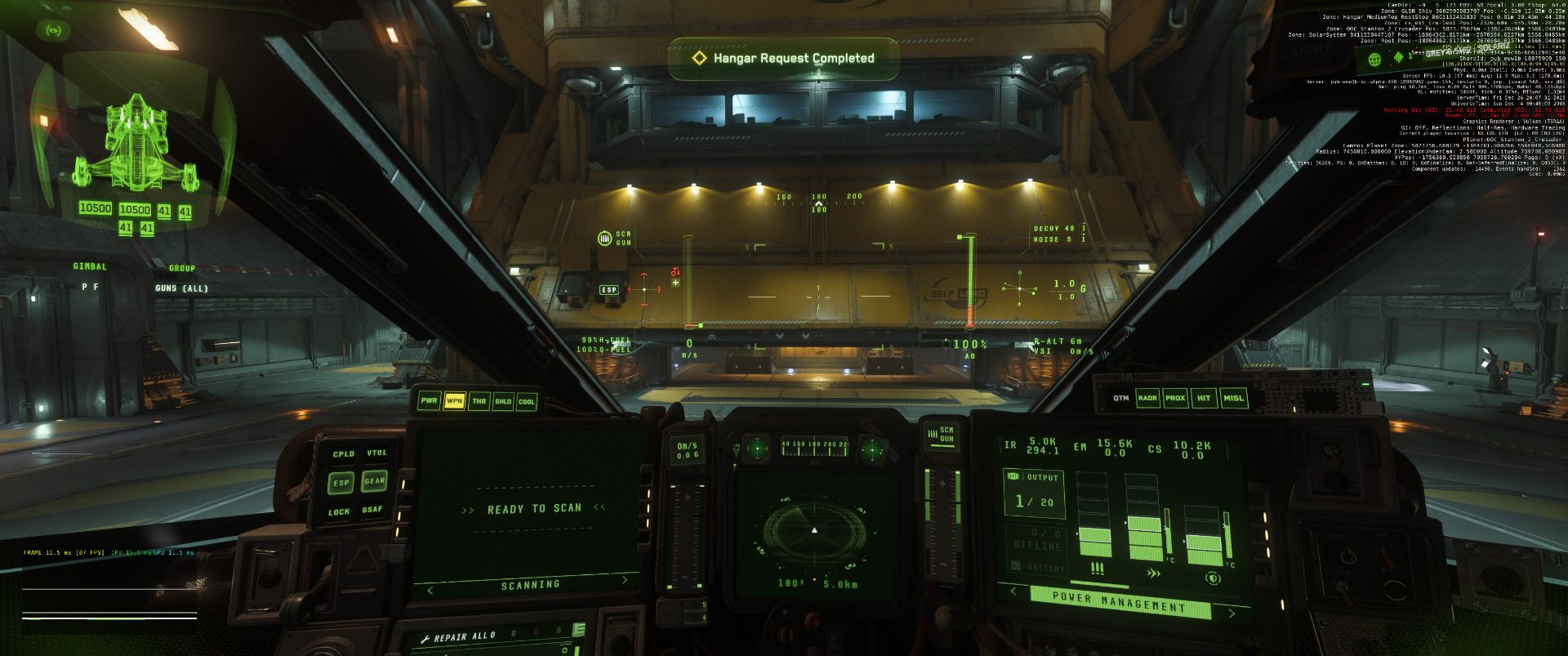
I have used a Tobii eye tracker with my Star Citizen for a long time — it’s an awesome combination. However, when you Alt+Tab out of the game to quickly check something on the second screen, it becomes awkward. This is especially the case with my ultrawide screen. I searched everywhere, including Reddit and Spectrum, but could not find a good solution for automatically pausing eye tracking when I tab out of Star Citizen.
Long story short, I wanted to take a look at C# and .NET in Windows anyway, so I used this as a small project and created a tool to monitor your Star Citizen process. As soon as it loses focus, it sends a hotkey that I can then bind to toggle head tracking on/off in the game.
I set SHIFT + F11 and bound that key in SC to toggle head tracking. As soon as I tab out of the game, the tool recognises this and sends the key. When I tab back in, it sends the key again. So it’s a perfect, easy toggle.
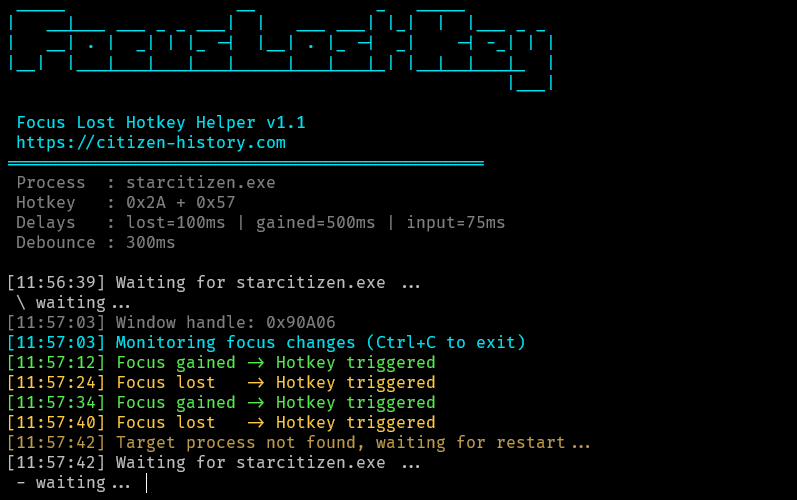
I put the tool with source and compiled exe file on github, feel free to use.
What it can do exactly
- Waits for the target process to start
- Tracks its window focus
- On focus change sends the configured hotkey
- If the process exits, it automatically waits for it to restart
It is originally built for Star Citizen to toggle head tracking (e.g. Shift + F11) but it is fully configurable and reusable for other applications too. Have a look on the Github page README how to change the configuration. It is a simple ini file.
o7